Plug in, power on, play
Line health first, performance next. No complex setup.
Plug & power
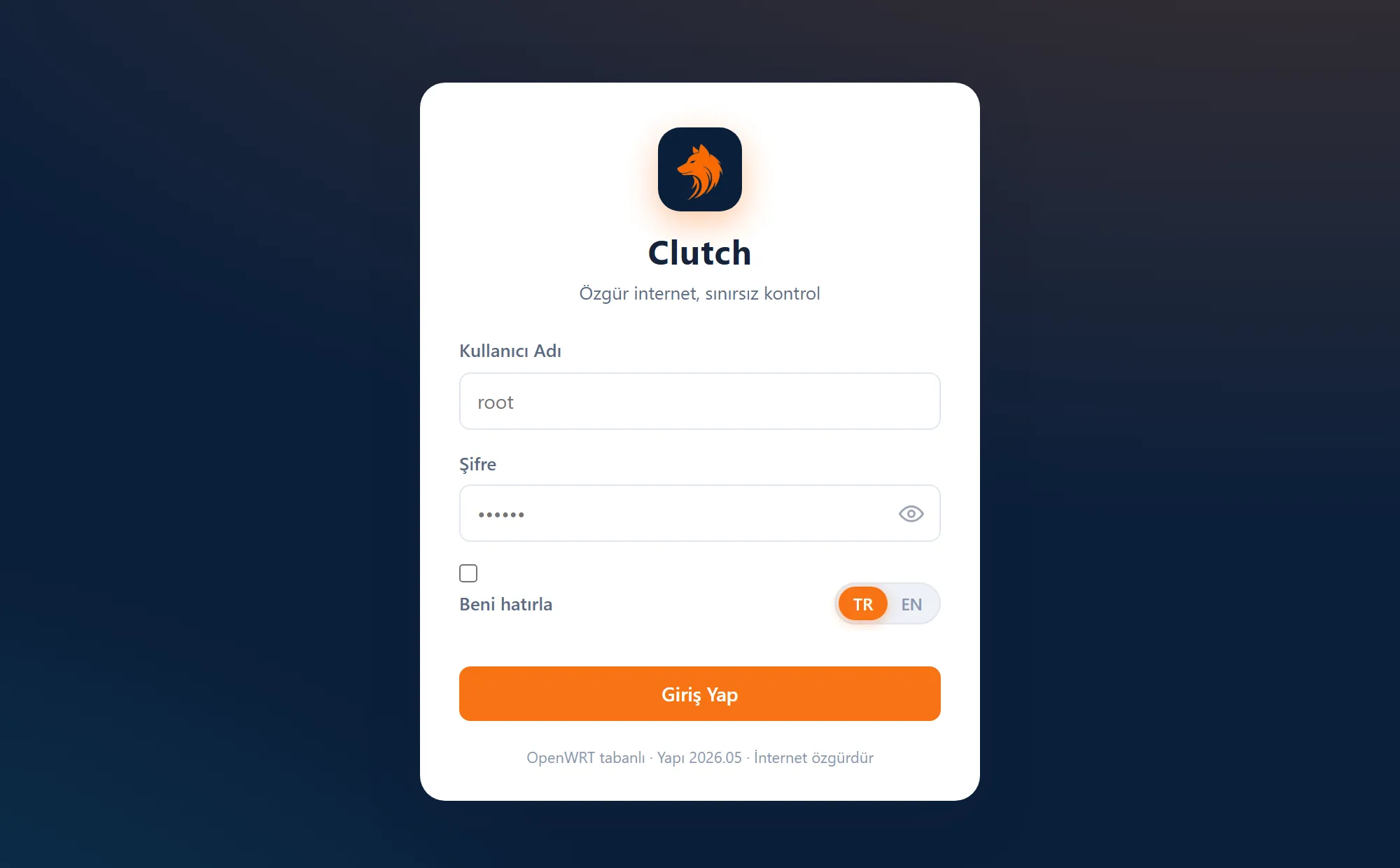
Unbox the router and plug it in. Clutch firmware ships ready.
Plug & power
Unbox the router and plug it in. Clutch firmware ships ready.
Open the panel
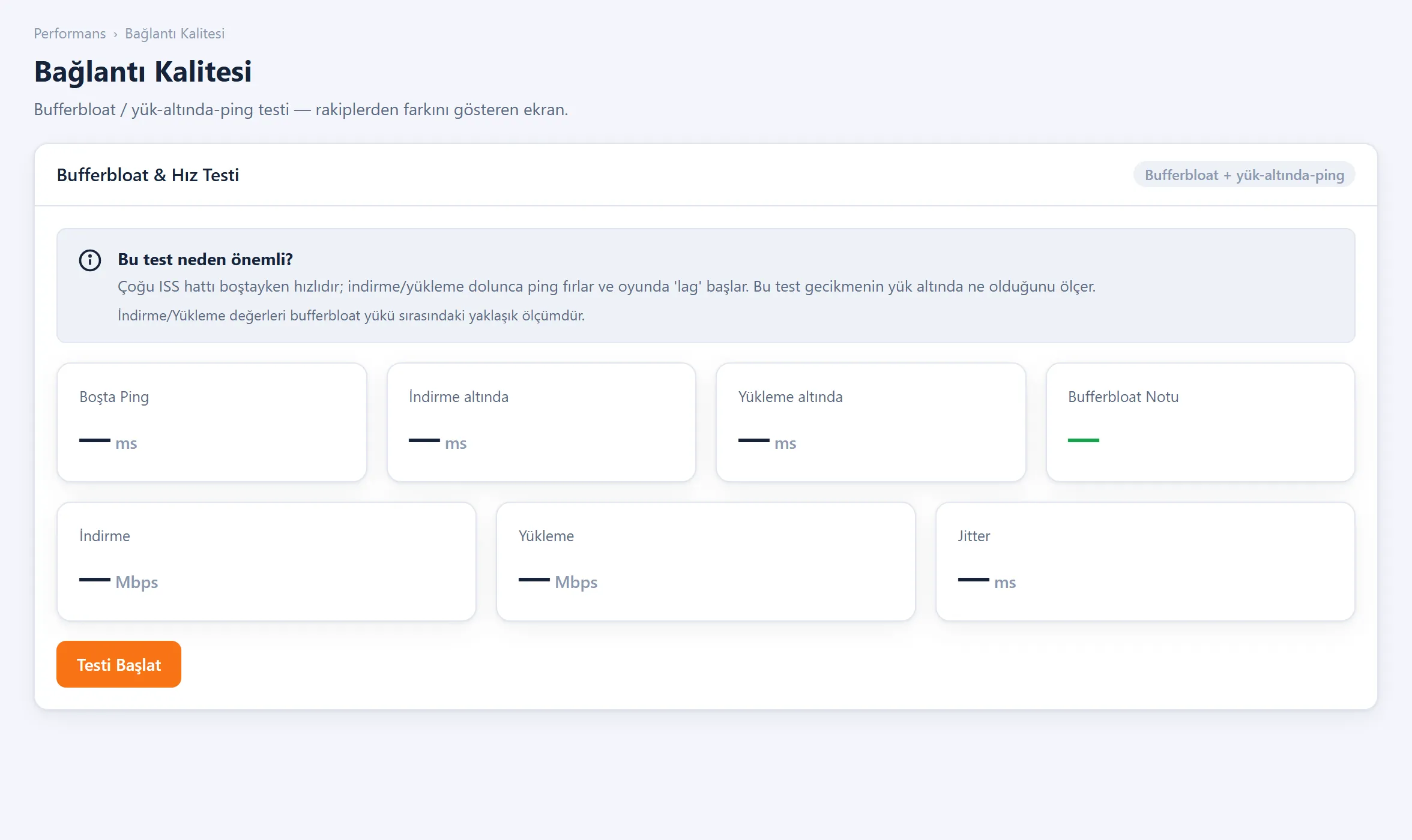
Open the panel in your browser; the line health scan starts automatically.
Optimize
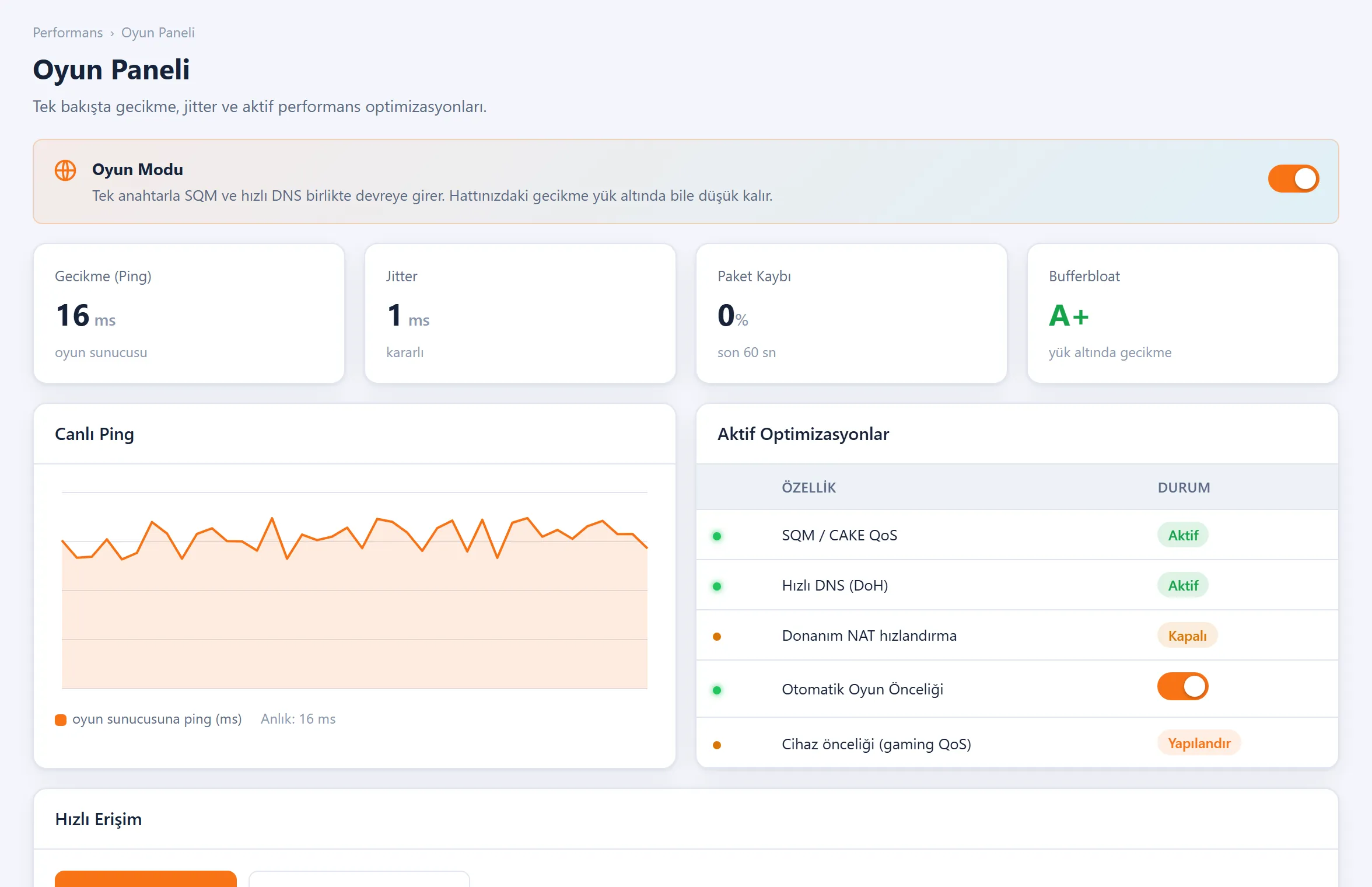
One tap for game mode + SQM. Clutch handles the rest.
Technical architecture
An open-source base and a fast on-device agent. Full control is yours.
OpenWRT base
A proven open-source core. No lock-in, full control via opkg.
Panel + local agent
The browser panel talks to a fast on-device Go agent; measuring and tuning are instant.
You stay in control
Remote management is optional and always user-approved; turn it fully off with a single switch.
Privacy architecture
Clutch only looks at performance. It NEVER sees:
- The sites you visit or your content (no DPI)
- Which server you connect to (no SNI logging)
- Traffic history or records (no logs)
The only thing seen is technical metrics: packet loss, latency, bufferbloat, WiFi/WAN.
Don't miss what's next.
We share Clutch's progress, tests and showcases on our social accounts. Follow along and see it first.
Follow us